Annapurna Bhandar Portal: How to Log In and Use It Safely
The Annapurna Bhandar portal is the Government of West Bengal website where you register, apply and track your application. You log in with your registered mobile number and an OTP, and there is no fee. Official portal address: Annapurna Bhandar portal (official link to be confirmed). Always check that the address ends in .gov.in before typing any details.
Independent guide, not a government website. Apply only on the official portal.
Every year thousands of people lose money or personal data to fake “scheme portals”. The single most important thing you can do for your Annapurna Bhandar application is to use the real government portal. This guide shows you how to recognise it, how to register and log in, and how to fix the login errors people face most often.
How to recognise the real Annapurna Bhandar portal
Check these four things every time:
- The address ends in
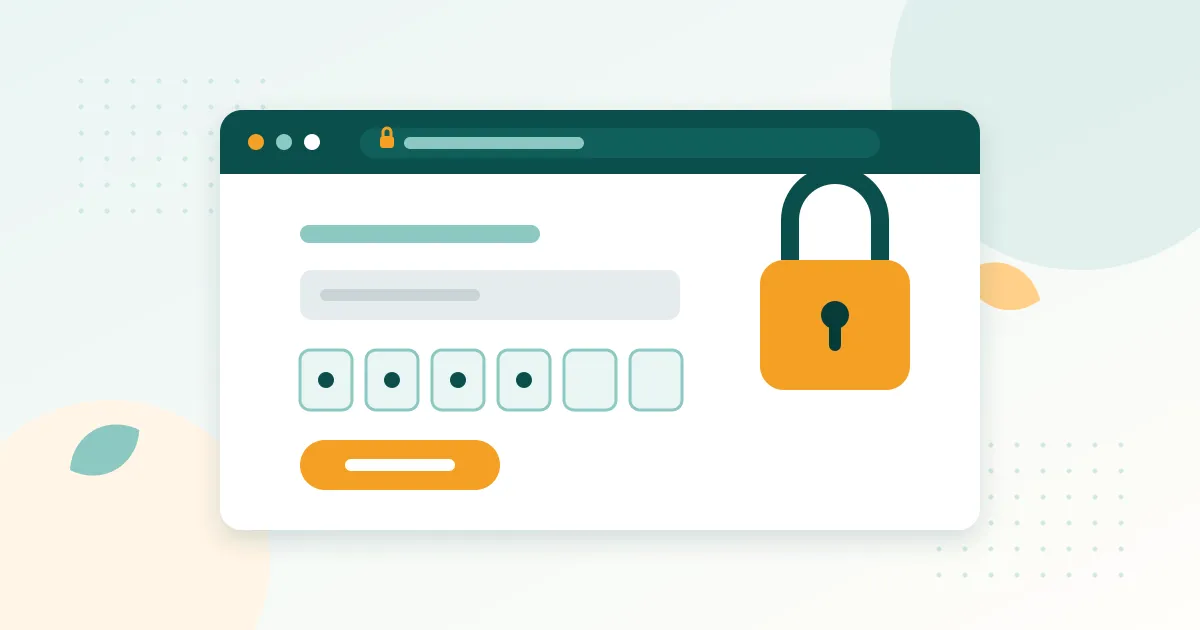
.gov.in. Government of West Bengal portals use addresses likesomething.wb.gov.in. Addresses ending in.com,.org,.co.inor just.inare not government portals, even if they show the scheme’s logo or name. - There is a padlock icon next to the address in your browser.
- It never asks for money. Registration and application are free.
- You reached it from a trusted source: the official notification, a government office, or by typing the address yourself, not from a WhatsApp forward or a YouTube description.
Official portal: Annapurna Bhandar portal (Government of West Bengal) (official link to be confirmed)
Status / payment portal: official status page (official link to be confirmed)
Social Registry vs Social Security portal
People search for both socialregistry.wb.gov.in and socialsecurity.wb.gov.in along with Annapurna Bhandar. Unofficial reports suggest the Social Registry portal is used to register families and submit applications, while the Social Security portal is used for status and payment information. We have not yet confirmed this from an official notice, so follow whichever link the official notification gives. We will update this section once confirmed.
How to register on the portal (first time)
- Open the official portal in your phone browser.
- Tap Register or Citizen Login → New user (the exact label may differ).
- Enter your mobile number. Use a number that is in your own name and that you will keep for a long time, because all future OTPs and messages come to it.
- Type the captcha and tap Send OTP.
- Enter the OTP from the SMS and verify.
- Fill in the basic details asked (name as in Aadhaar, district, etc.).
- Note down any registration number shown on the screen.
After registering, you can fill in the application. Our how to apply guide continues from this point.
How to log in
- Open the official portal.
- Tap Login / Citizen Login.
- Enter your registered mobile number and the captcha.
- Tap Send OTP and type the OTP from the SMS.
- Tap Login. You will see your dashboard with your application and its status.
From the dashboard you can usually see your application, download the acknowledgement and track status. For detailed status meanings see our status check guide.
Common login errors and how to fix them
| Problem | Likely cause | Fix |
|---|---|---|
| OTP not received | Weak network, wrong number, too many attempts | Check signal, confirm number, wait 10 to 15 minutes and try again |
| “Mobile number not registered” | Different number used during application | Try other numbers you may have used, or ask at your BDO/municipality office |
| Invalid captcha | Typing error or captcha expired | Tap the refresh icon and type the new captcha carefully |
| Page not loading / server error | Portal busy or under maintenance | Try early morning or late night; do not use unofficial mirror sites |
| Session expired | Page left idle | Log in again; keep the page open while filling the form |
| Details shown are wrong | Data entry mistake | Use the edit/correction option if available, or visit your office |
Is there an Annapurna Bhandar app?
Searches for “Annapurna Bhandar app” are common. At the time of writing we have not found an official app published by the Government of West Bengal for this scheme. Apps from unknown developers may steal your data or show advertisements. Use the official portal in your browser, it works well on mobile.
Keep your account safe
- Never share your OTP with anyone, including people who say they are from the government or a bank.
- Do not let cyber-cafe or “agent” staff keep your phone or your login.
- Log out after using a shared computer.
- If someone demands money to log in or apply for you, refuse and report it at your local office.
What to do next
- New applicant? Follow our Annapurna Bhandar application guide.
- Prefer the paper form? Read the form PDF and filling guide.
- Already applied? Check your status.
- Need help? See verified contacts on the helpline page.
Frequently asked questions
What is the official website of Annapurna Bhandar?
What is the difference between socialregistry.wb.gov.in and socialsecurity.wb.gov.in?
Is there an official Annapurna Bhandar mobile app?
I am not getting the OTP for Annapurna Bhandar login. What should I do?
Can someone else log in to the Annapurna Bhandar portal for me?
Do I need a password to log in?
Sources
- Official Annapurna Bhandar / Social Registry portal, Government of West Bengal (link to be confirmed)
- Official status / payment portal, Government of West Bengal (link to be confirmed)