Annapurna Bhandar Payment Status: Check DBT and Fix Payment Problems
To check your Annapurna Bhandar payment, first look at your bank SMS or passbook, then check the payment status on the official West Bengal portal using your application ID or registered mobile number. If the status shows payment failed, the usual cause is a bank account that is not Aadhaar-seeded or NPCI-mapped for DBT, your bank branch can fix this.
Independent guide, not a government website. Apply only on the official portal.
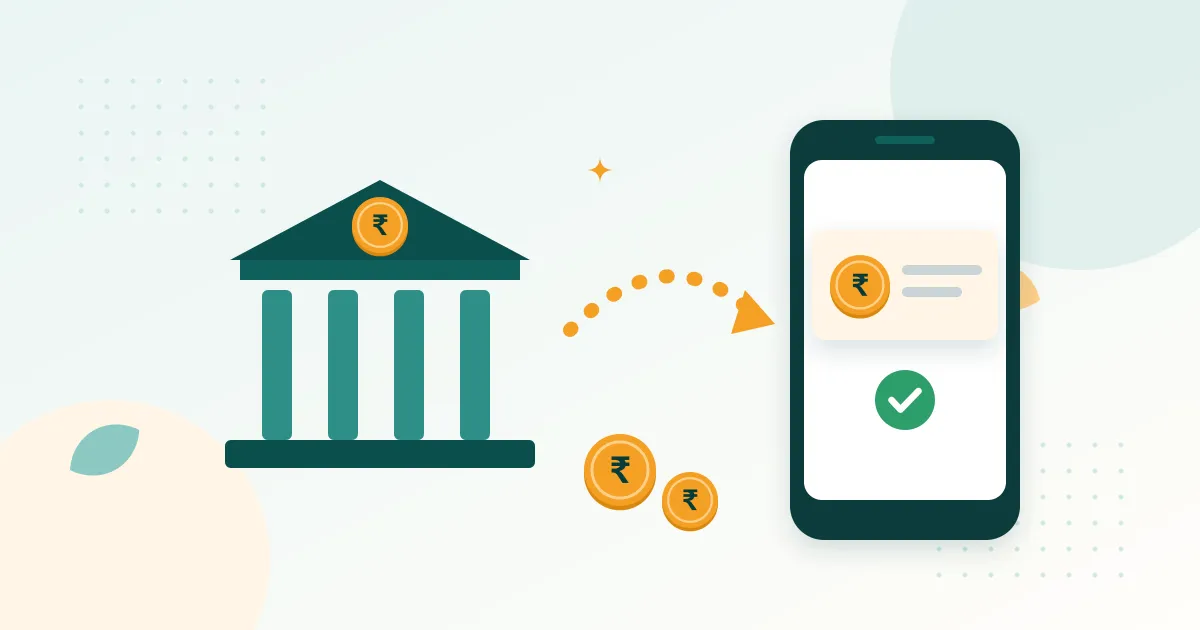
Your application is approved, but has the money actually reached your account? This guide explains how to check your Annapurna Bhandar payment status, what DBT, Aadhaar seeding and NPCI mapping mean, and how to fix the problems that stop payments.
Step 1: Check whether the payment was released
Before worrying, check the Annapurna Bhandar payment date page. If the government has not yet released that month’s payment, your account will not show it. Payments may also reach different districts on different days.
Step 2: Check your bank account
The money goes into your normal bank account. You can check it by:
- Bank SMS on the mobile number linked to your bank account
- Passbook update at your branch or passbook printing machine
- ATM mini statement
- Missed-call balance service of your bank
- Mobile banking / UPI app linked to that account
The credit usually shows with a government or DBT-related description. If you see the credit, your payment is done.
Step 3: Check payment status on the official portal
- Open the official portal: official status / payment page (official link to be confirmed).
- Choose the option to track your application or check payment status.
- Enter your application ID or registered mobile number and the OTP.
- Open the payment details. You may see each month listed as paid / success, pending, in process or failed.
What payment status messages mean
| Message | Meaning | What to do |
|---|---|---|
| Success / Paid / Credited | Money sent to your account | Check passbook; if missing. Ask your bank with the date |
| Pending / In process | Payment file is being processed | Wait a few days |
| Not released / Not generated | That month’s payment not yet sent to you | Check payment date page and approval status |
| Failed / Rejected by bank | Bank could not credit the money | Fix bank problem (see below) |
| Aadhaar not seeded | Account not linked for DBT | Seed Aadhaar at your bank |
Why Annapurna Bhandar payment fails (and how to fix it)
1. Aadhaar not seeded with bank account
DBT payments are often sent using your Aadhaar number. If your Aadhaar is not linked (seeded) to your bank account for DBT, the money cannot reach you.
Fix: Visit your bank branch with your Aadhaar card and passbook. Ask them to link your Aadhaar to the account and enable it for DBT / NPCI mapping. Fill in the consent form they give.
2. NPCI mapping points to another bank
If you have more than one bank account, Aadhaar-based payments go to the account that is mapped in NPCI, which may not be the account you gave in the form.
Fix: Ask the bank where you want the money to update the NPCI mapping. You can check which bank your Aadhaar is mapped to through the UIDAI website or app (look for bank seeding status): use only the official UIDAI site.
3. Account inactive, dormant or closed
Accounts not used for a long time can become dormant.
Fix: Do a small deposit or withdrawal, complete KYC at the branch and ask them to activate the account.
4. Name mismatch
If your name in Aadhaar and in bank records is spelled differently, the payment may be rejected.
Fix: Update the bank record (or Aadhaar) so both match exactly.
5. Wrong account number or IFSC in your application
Fix: Contact your BDO / municipality office with your passbook to correct the bank details in your application.
6. Account limits (small / basic accounts)
Some small or minor accounts have limits on credits.
Fix: Ask your bank to upgrade the account to a regular savings account with full KYC.
After fixing the problem
- Keep a written note or receipt from the bank showing the fix (seeding/KYC).
- Inform your BDO or municipality office so the payment can be re-processed.
- Check your status again after the next payment cycle.
Protect your money
- No one from the government will ask you for your bank PIN, OTP or UPI PIN.
- Do not give your passbook or ATM card to agents.
- Beware of calls saying “pay a fee to release your Annapurna Bhandar money”: it is a scam.
Still not received?
Contact the official helpline or your local office. See verified numbers on our helpline page. For application problems. See status check.
Frequently asked questions
How do I check Annapurna Bhandar payment status?
Why has my Annapurna Bhandar money not come?
What is the Annapurna Bhandar DBT link?
Is DBT / Aadhaar seeding mandatory for Annapurna Bhandar?
What does 'payment failed' mean in Annapurna Bhandar status?
How can I check my Annapurna Bhandar balance?
Will I get the missed months' money after fixing my bank account?
Sources
- Official status / payment portal, Government of West Bengal (link to be confirmed)
- UIDAI: Aadhaar services (check Aadhaar and bank seeding status)
- NPCI, Aadhaar Payment Bridge System (APBS)