Annapurna Bhandar Status Meaning: What Each Status Says and What to Do
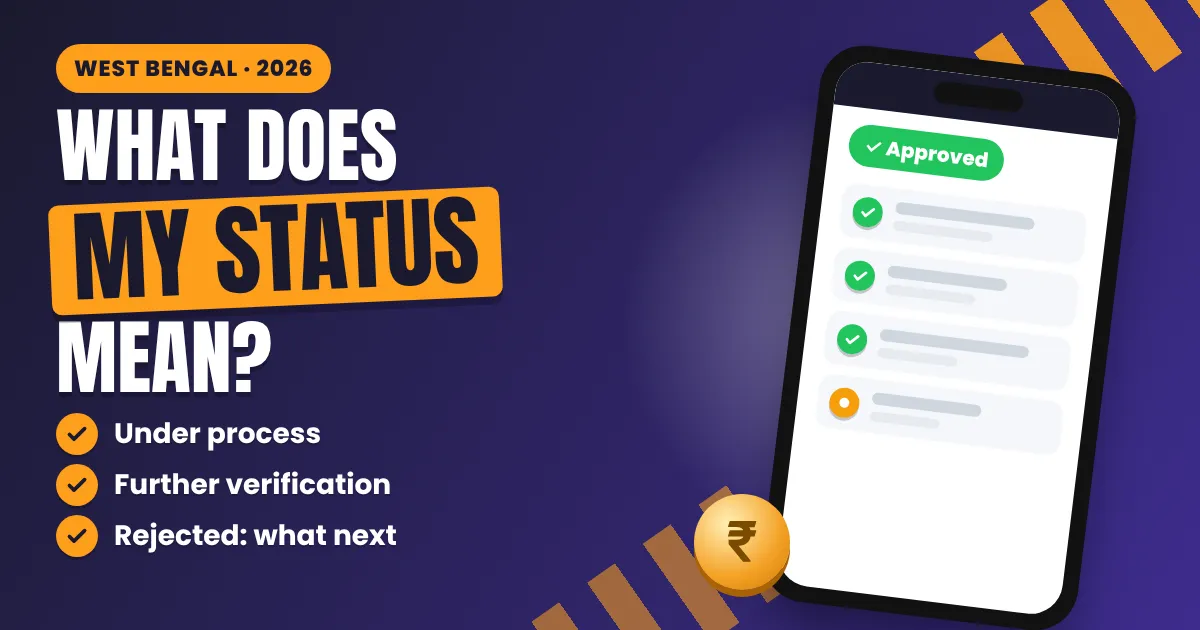
Approved means you are accepted and will be paid in the next payment cycle. Under Process means officials have not finished checking your form. Under Inquiry and Further Verification mean your case is being re-checked, often with a field visit; do not apply again. Rejected shows a reason on the portal, which you can fix and take to your BDO, SDO or KMC office. Payment Success means the money was sent to your bank.
On this page
After you log in to the Social Registry portal, the Application Status section shows one short word or phrase. That word decides what you should do next, but the portal rarely explains it. This guide explains every Annapurna Bhandar (Annapurna Yojana) status in plain words, with the exact next step for each.
We are an independent guide, not a government website. We cannot see or change your status. To see your own status, follow our status check guide.
How an Annapurna Yojana form moves from “submitted” to “paid”
Understanding the official process makes every status easier to read. As per the notification of 19 May 2026:
- You apply online on the Social Registry portal or on paper at a camp, BDO, SDO or KMC ward office.
- Verification: the BDO (village areas), SDO (municipal towns) or KMC officers (Kolkata) enquire into your form, sometimes with a home visit.
- Recommendation: eligible forms are recommended online to the sanctioning authority.
- Sanction: the District Magistrate (or the KMC Commissioner in Kolkata) approves.
- Payment: approved women are added to the next monthly DBT payment of ₹3,000 per month.
Every status you see is simply a point on this path.
Annapurna Bhandar status meanings (quick table)
| Status shown | What it means | What you should do |
|---|---|---|
| Submitted / Received | Form has reached the system | Nothing. Wait for verification |
| Under Process / Pending | Form is in the queue or being checked by the BDO, SDO or KMC | Wait 2 to 4 weeks, check again. Do not apply again |
| Pending at BDO / SDO | Waiting for the local office to finish its enquiry | Wait; if unchanged for over a month, visit that office |
| Under Inquiry / Under Enquiry | Re-checked, often after a complaint, mismatch or objection | Keep documents ready; cooperate with the field visit |
| Further Verification | Needs one more check before a decision | See the section below |
| Recommended | Local office found you eligible and sent your case to the DM / KMC Commissioner | Wait for sanction |
| Approved / Sanctioned | You are a beneficiary | Make sure your bank account is Aadhaar-seeded; watch the payment date |
| Provisionally Rejected | Not final; another check will follow | Read the reason, fix it, contact your office |
| Rejected | Not accepted after verification; reason shown | See if your application is rejected |
| Bank Validation Failed / Account Invalid | Bank details did not match or the account cannot take DBT | Fix at your bank, then inform your office |
| Duplicate Application | More than one form found for the same woman | Ask your office to keep one; do not apply again |
| Payment Success / Paid | That month’s money was sent to your bank | Check passbook or SMS (allow 1 to 3 working days) |
| Payment Failed | The bank returned the money | Fix the bank problem; ask your office to re-push the payment |
The exact words can change when the portal is updated, and different screens may use slightly different terms. If you see something not listed here, ask at your office what it means.
Under Process: what it really means
Under Process (or Pending) is the most common status, especially for women who applied late in the July 2026 window. It only means a decision has not been made yet. In August 2026 the government said forms submitted by 10 July were verified first; later forms were verified in further phases. So under process for some weeks is normal.
Do this:
- check again after one or two weeks,
- keep the phone with your registered mobile number switched on,
- do not submit another form, because duplicates are rejected.
If your status has not changed for more than a month after others in your area were approved, visit your BDO, SDO or KMC ward office with your acknowledgement slip.
Further Verification: what it means and what to do
Further Verification means your case needs one more check before it can be approved. Common triggers:
- name, date of birth or address does not match between Aadhaar, Voter ID and bank records,
- your name was flagged during the 2026 voter list revision (SIR),
- a question about government employment, pension or income tax,
- a complaint or objection about the form, or
- the bank account is joint, inactive or not Aadhaar-seeded.
What to do:
- Log in and read any remarks shown next to the status.
- Correct the mismatched document first (Aadhaar centre, bank branch or ERO for Voter ID).
- Visit your BDO (village), SDO / municipality (town) or KMC ward office (Kolkata) with Aadhaar, EPIC, bank passbook and the acknowledgement slip.
- If the portal offers a claim option, submit it and note the claim number.
- Check your status again after the office confirms the re-check.
Under Inquiry
Under Inquiry (Under Enquiry) is similar: an official enquiry is going on, often with a home visit. Answer questions truthfully and show originals. Giving false information can lead to rejection and recovery of money already paid.
Approved but no money
Approved means you are on the beneficiary list. Money comes on the next payment date of your phase. If the date has passed and nothing has arrived after 3 to 4 working days, the cause is almost always the bank account. Read payment status and bank fixes.
If your application is rejected
The portal shows a reason for rejection. The most common ones and their fixes:
| Rejection reason | Fix |
|---|---|
| Aadhaar not seeded / NPCI mapping missing | Ask your bank to seed Aadhaar and map the account for DBT |
| Joint account | Open or use a single account in your own name |
| Name / date-of-birth mismatch | Correct Aadhaar, bank or Voter ID so all match |
| Income tax payer | Not eligible under the notification |
| Permanent government job or pension | Not eligible under the notification |
| Age outside 25 to 60 years | Not eligible |
| Name deleted in SIR-2026 / not in voter list | Settle the voter list issue with your ERO; pending tribunal or CAA cases continue to get assistance until decided |
| Duplicate application | Ask the office to keep one valid form |
After fixing a correctable problem, ask your BDO, SDO or KMC office how to resubmit or file a claim. See our complaint and grievance guide.
Payment status words
These appear in the payment part of the portal or in bank records:
- Payment Success / Credited: money was sent. In Bengali, পেমেন্ট সফল; in Hindi, भुगतान सफल.
- Payment Initiated / In process: the payment file is with the bank.
- Payment Failed / Returned: the bank could not credit it, usually because of seeding, KYC or a closed account.
- Not generated: you were not in that month’s payment list, usually because approval came later.
Keep your status safe
- Only check status on socialregistry.wb.gov.in. Other “status check” websites cannot see your data.
- Never share your OTP. No official will ask for OTP, ATM PIN or bank password.
- Take a screenshot each time your status changes; it helps at the office.